

Introduction to HubTalk AI v4
HubTalk AI v4 is designed to help business teams build and launch intelligent voice agents quickly, without deep technical setup. It combines a visual conversation builder, built-in test tools, and a streamlined voice experience so your team can focus on the customer journey.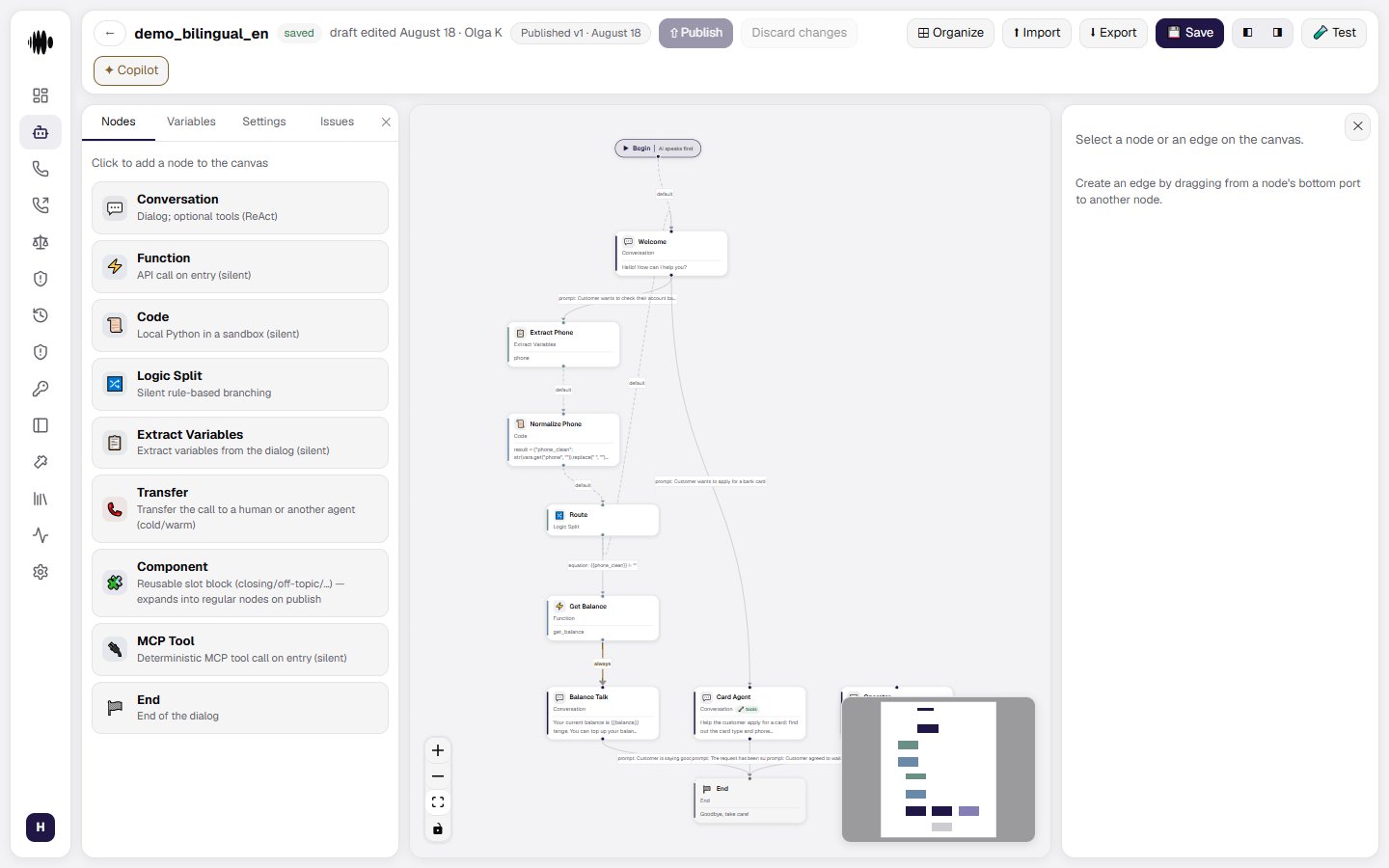
What you can do with v4
- Create voice agents using a visual flow builder instead of writing scripts.
- Test conversations in chat and voice before going live.
- Manage telephony connections, voice settings, and call routing in one dashboard.
- Collect call results and analytics through webhooks and reporting.
- Use the same agent across voice, chat, and automated workflows.
Why v4 is user-friendly
HubTalk AI v4 is made for product and operations teams:- Visual flow design lets you shape conversations as a diagram, not code.
- Guided testing helps you validate behavior with real interactions.
- Simplified setup means you can get a pilot running without needing a developer for every change.
- Clear handoff options let agents transfer calls or finish calls cleanly.
How this guide helps
This section is your starting point for understanding HubTalk AI v4. Follow the next page to set up your first agent, test it, and connect it to telephony or webhooks.Create an Agent
Build and configure a voice agent with prompts, greetings, and actions.
Voice Testing
Run the agent in chat and by voice before launch, right in the editor.
Webhooks
Send call data to your systems for analytics and automation.
Analytics
Review call outcomes, conversation success, and performance metrics.