

Incidents
The Incidents page lists events that may affect agents, calls, campaigns or integrations. Use it to understand what happened, when the problem started, and whether it is still active.What incidents are
Incidents are events detected by background observers during conversations. They help the team find situations that require review, such as an agent going off topic or a caller’s speech becoming unintelligible. The page is used for triage and review. It does not change the conversation by itself; it shows the detected event and the current reaction or correction status.What the user sees
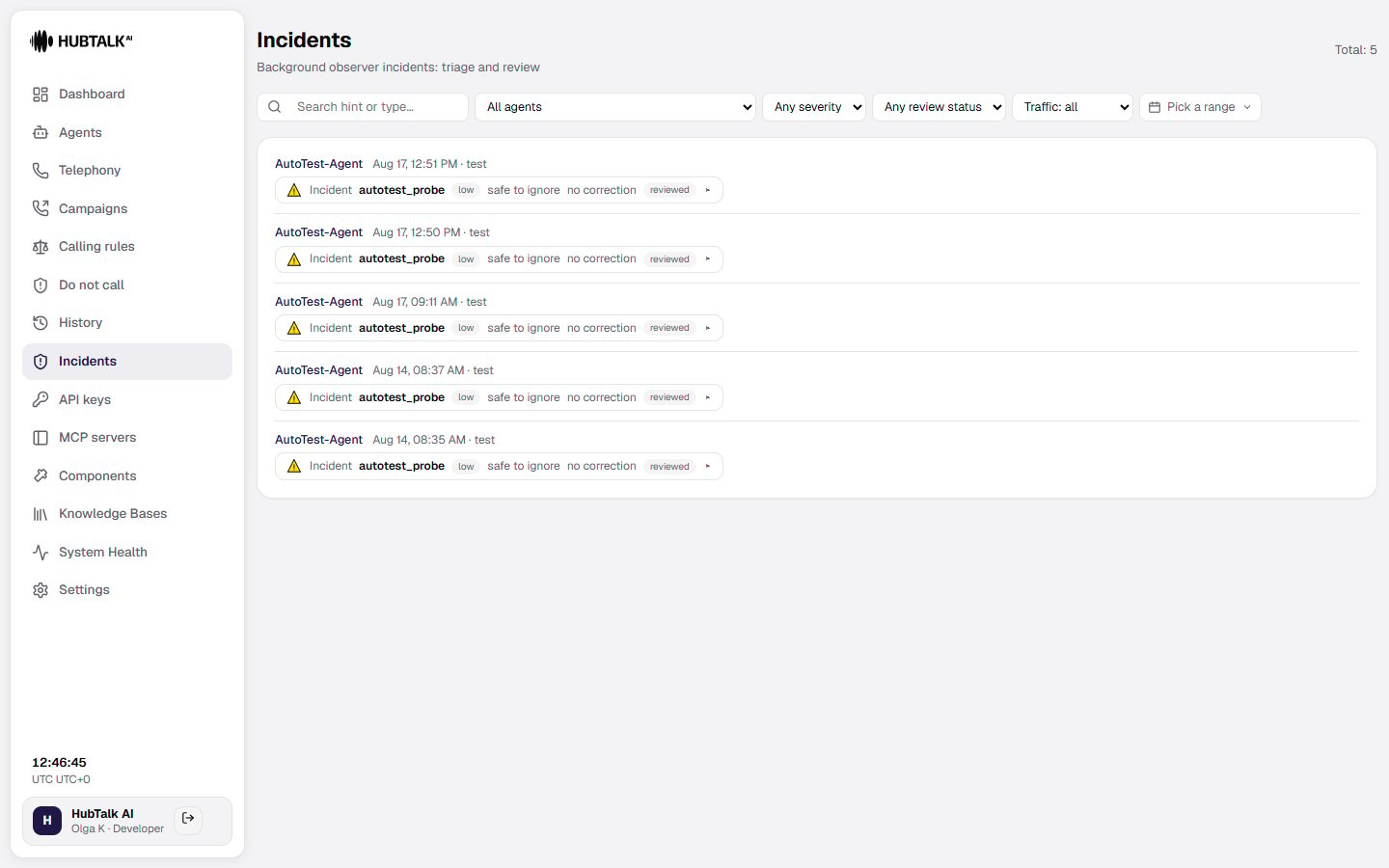
At the top of the page, the user sees the total number of incidents and filters:- Search hint or type — search by the incident hint or event type.
- All agents — show incidents for a selected agent. The list holds live agents only: deleted and archived ones are gone from it.
- Any severity — filter by severity.
- Status — filter open or other incident states.
- Real calls only — exclude incidents from test calls.
- Date range — select the period to review.
- the agent name, date, time, and call mode such as live
- the incident label and event key, such as
off_topic_counterorunintelligible_speech - the severity badge, for example high
- the observer’s hint or recommended instruction
- the reaction status, such as no correction
- whether the incident is open
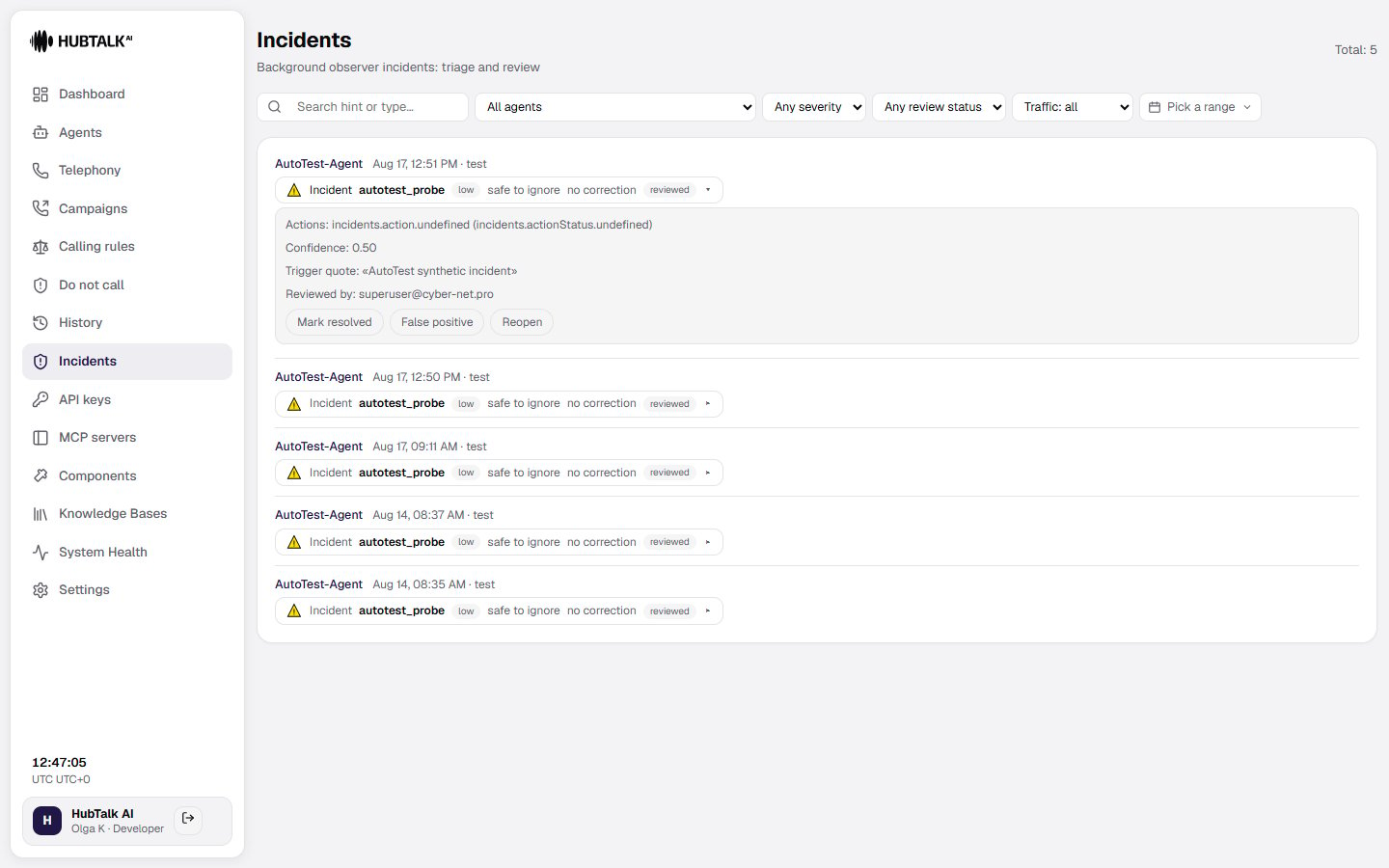
- a control to open the incident details
Incidents inside a call
Open a call’s details to see incidents in the context of the conversation:- An incident sits at the very turn that triggered it — as its own block between the utterances, not in a list of its own. The block shows the incident type, the severity, the observer’s hint, and whether a correction reached the agent.
- The Background observer panel gathers all observer activity for that call: the number of checks performed, violations detected, and incidents raised, together with a timeline of every observer event during the call.
Incident review
For each incident, review:- the affected service or workflow
- incident severity and current status
- start time and latest update
- affected agents, calls, or campaigns
- the reason and available resolution details