The agent list and access
The agent list and folders
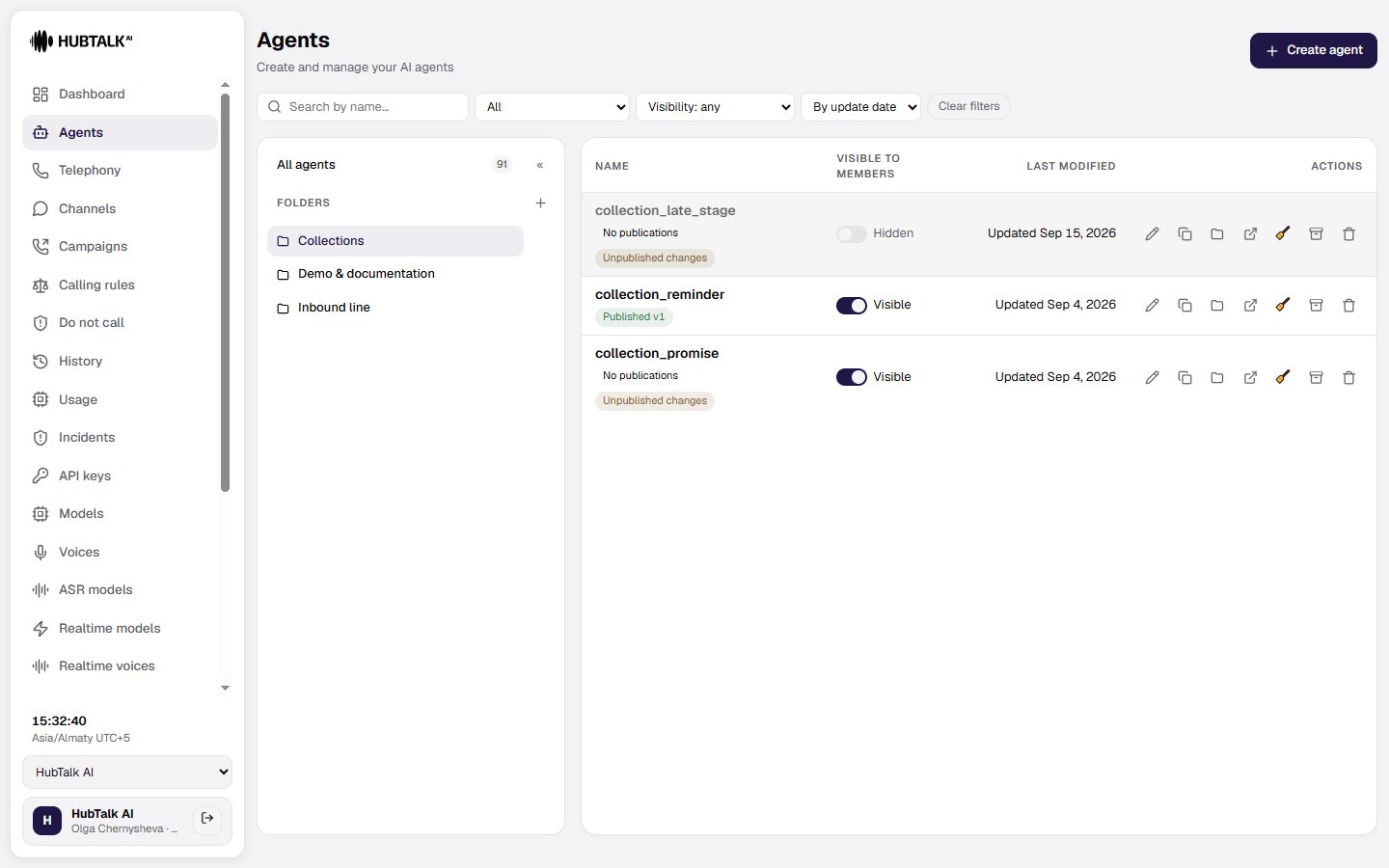
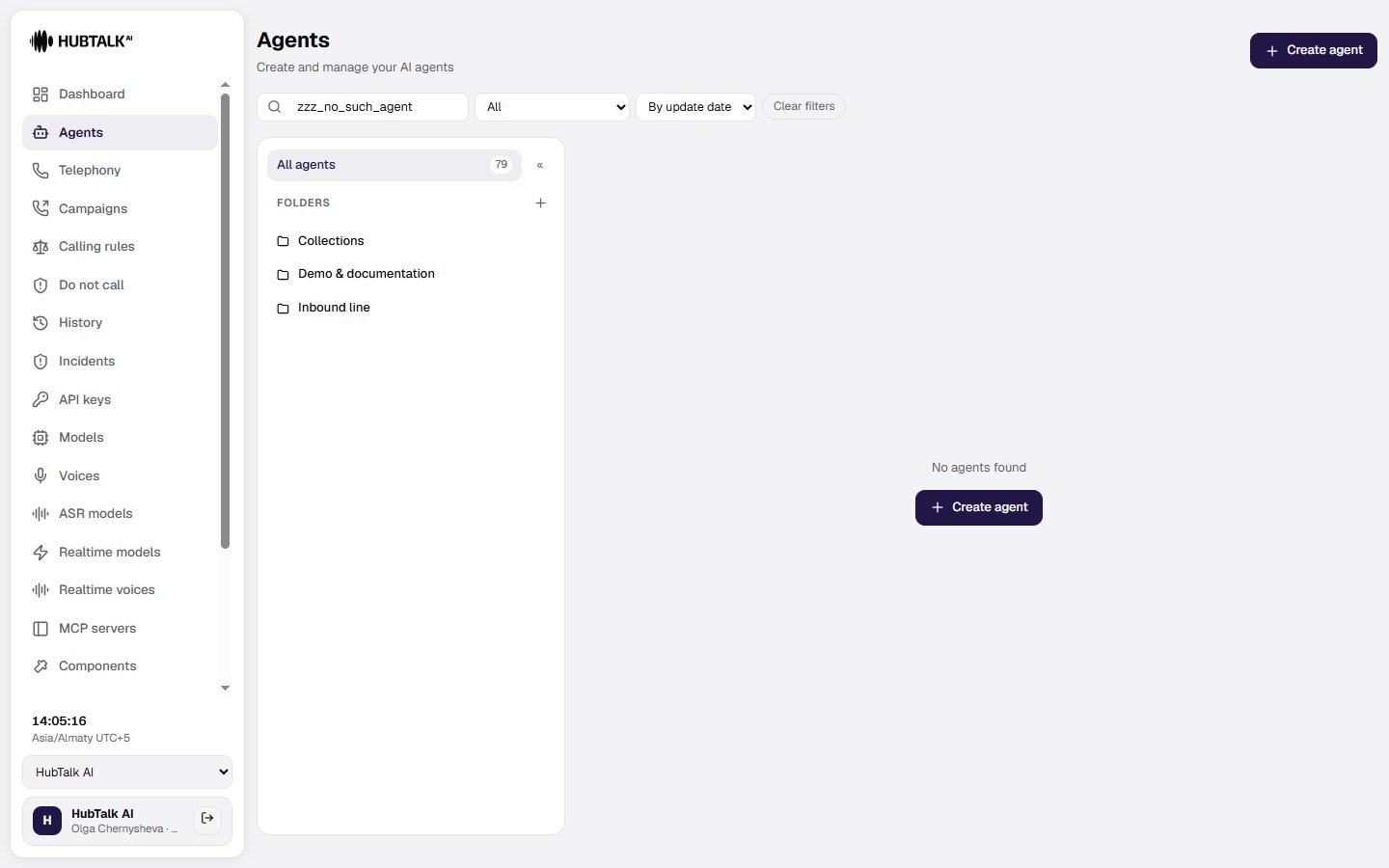
The Agents section is a compact table with Name, Last modified, and Actions columns, paginated at 25 rows. On the left is a collapsible Folders panel for the organization, with an All agents pseudo-node and a counter.- New folder — create a folder; folders are visible only inside their own organization.
- Move — a row action on the agent: move it into a folder or return it to All agents.
- An agent created while a folder is selected, and a duplicate of an agent from a folder, both land in that folder.
A folder is workspace arrangement, not a property of the agent. Moving an agent does not create a flow version and does not change edit attribution. Deleting a folder returns its agents to All agents and deletes none of them. A link to a deleted folder opens All agents without an error.
Renaming an agent carries its settings with it. The agent’s webhook endpoints, its component and observer bindings, its phrase fixups and its campaigns in every state all follow the new name in the same operation.
Who sees the agent
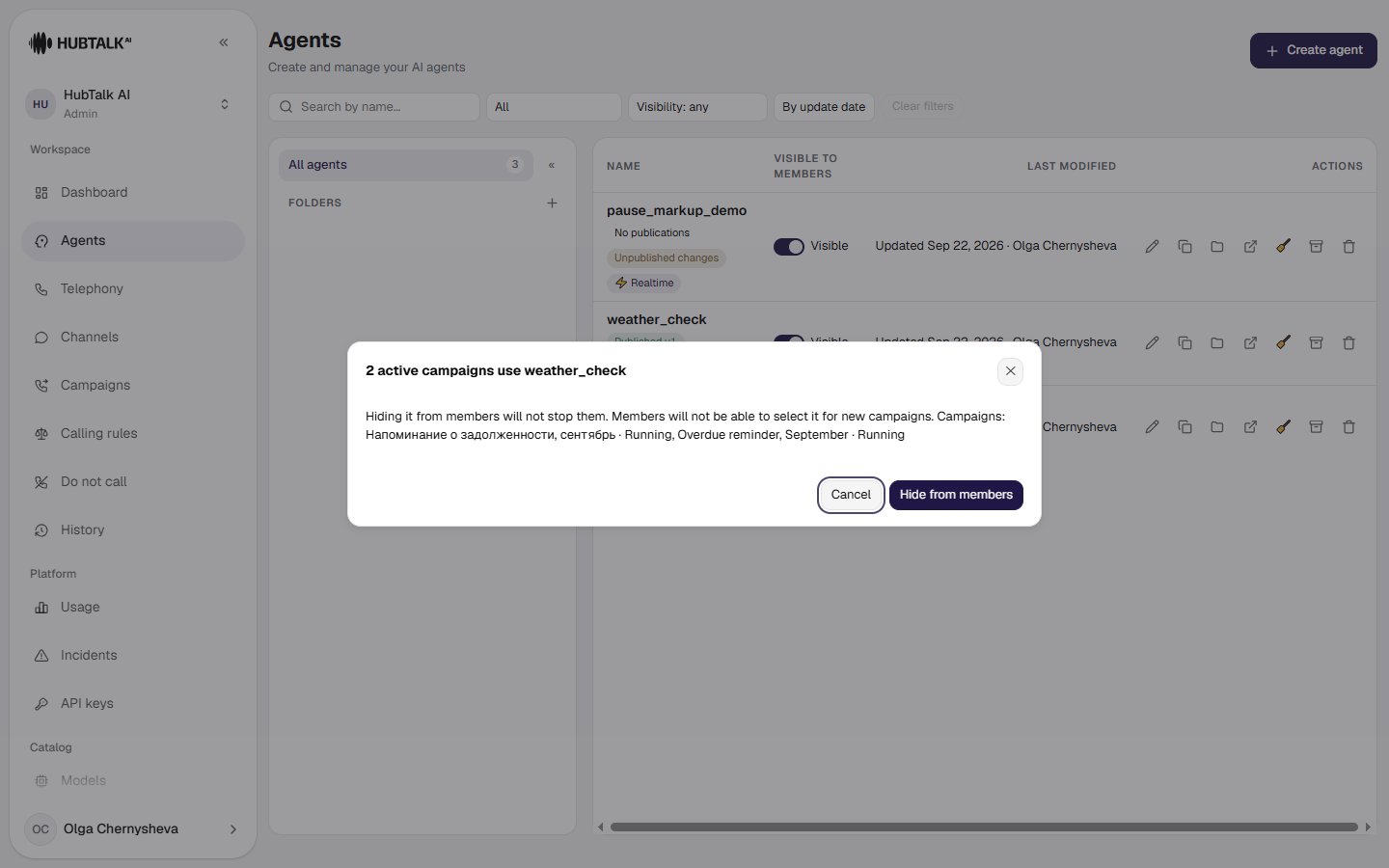
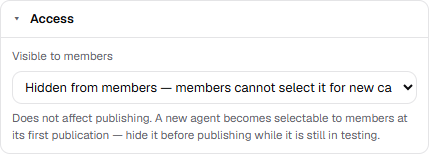
An organization accumulates drafts, old copies and test agents, and a member choosing an agent for a campaign could not tell a working one from a rough sketch — the list offered all of them. Visible to members is the explicit answer to that: the column in the agent list carries a toggle, and the same switch sits in the Access section of the settings panel in the builder, with a Hidden from members pill in the toolbar while it is off. The setting saves immediately and does not touch the draft. Hidden means hidden from the choice, not switched off:- a hidden agent keeps making and taking calls, and stays available through the Web API — campaigns already running on it are not interrupted;
- members do not see it in the campaign wizard or the campaign dialog — the option is absent rather than greyed out;
- administrators and developers see every agent, with a
· Hidden from memberssuffix on the option; - the agent filters in History and Incidents list hidden agents too. Finding the old calls of an agent you have withdrawn is not the same act as choosing one for a new campaign.
agent_hidden next to the familiar “agent not published”, and choosing that agent for a new campaign is refused by the server, not just left out of the list.
A new agent becomes selectable at its first publication. Members are only offered published agents, so an unpublished draft is invisible to them anyway — and the moment you publish it, it appears in their list. That is why an agent still being built is hidden before the first publication rather than after. A duplicate inherits the setting of the agent it was copied from, so a copy of a hidden test agent does not surface on its own; renaming keeps it.