

Call details
Opening a row shows the full conversation together with everything the platform recorded about it.Transcript and call events
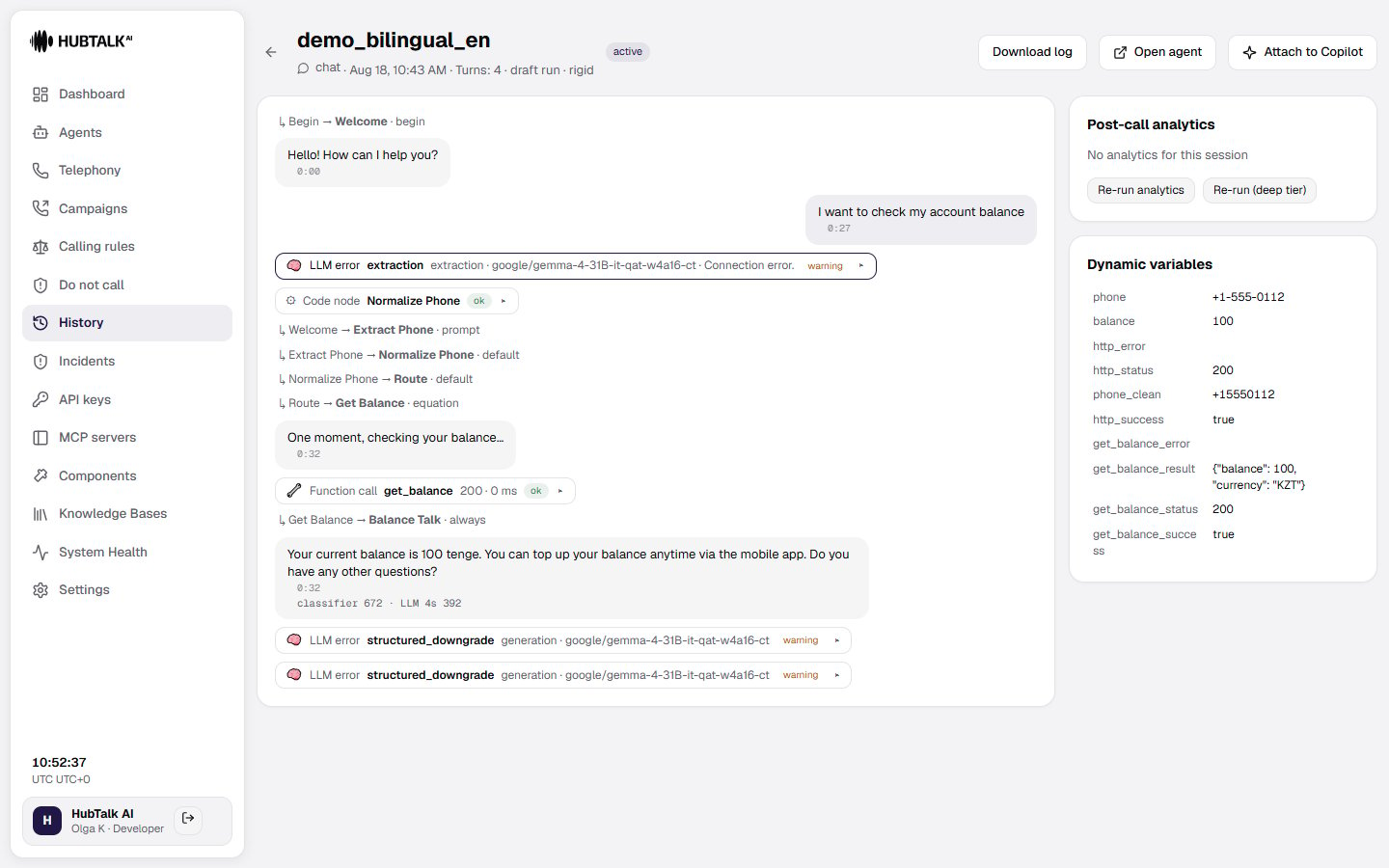
The transcript shows each reply in order, with node transitions displayed right before the reply of the node the conversation moved to. Alongside the transcript, the platform shows call events at the point where they happened, each with an icon, a short summary, and a status pill you can click to expand into full detail (request/response, stages, or arguments):- Tool call — a function or tool was called, with its arguments, response, and duration.
- Knowledge base search — a query was run against a knowledge base, with the passages returned and how relevant they were.
- Transfer — a call transfer attempt, with its stages (hold, dialing, answered, briefing, bridged, and so on) and outcome.
- Reminder — a silence reminder was played.
- Auto-end — the call ended automatically, for example after too much silence.
- Voicemail — an answering machine was detected and a message was left. The event can carry a marker on interim transcript note: the answering machine was recognized by a characteristic phrase (“you have reached…”, “leave a message”) in the middle of the greeting, without waiting for speech recognition to return a final result.
- Hangup — the caller ended the call.
- Code — a code step ran and updated variables.
- Turn rollback (
turn_rollback) — a pause split the caller’s sentence in two; see a reply glued from fragments below.
- Interrupted — the reply was cut off by the caller and only the spoken part is shown.
- Not played — the reply was generated but the caller never heard it; it’s shown dimmed so you can debug what the agent intended to say without mistaking it for something the caller actually heard. The hint on the label distinguishes two causes: the call ended before the reply started, or the speech was interrupted before its first sound.
- Briefing to operator — a private message the agent gave to a human operator during a transfer, not heard by the caller.
- Said during agent’s reply — a caller utterance spoken over a non-interruptible agent reply; see below.
An interruption truncates exactly the utterance that was interrupted. When the agent speaks twice within one turn, the truncation lands on the second phrase and leaves the first one — the one the caller actually heard — intact.
The caller spoke where interruption was not allowed
When a node has interruption switched off and the caller speaks over the agent’s reply anyway, their words are kept as a separate record labelled Said during agent’s reply. The conversation carries on unchanged: there was no turn for it, and the agent did not reply to it — the node did not allow itself to be interrupted. The record is visible wherever the conversation is:- in the call card — as a caller bubble carrying that label;
- in the transcript used for post-call analytics — as a
Client [during agent's reply]: …line; - in the webhook transcript — such a line carries
out_of_turn: true; - in report exports — as an ordinary caller utterance.
GET /v1/calls/{call_id}/turns): there was no turn, so there is nothing to measure. For the same reason it does not raise the turn count in History.
The details page also shows the final values of the call’s variables and the flow version the call ran on.
A reply glued from fragments
A caller who pauses inside a sentence — “Yes… no, I don’t want to” — is heard by the recogniser as two turns. When the agent had not yet made a sound, the platform takes the unspoken transition back and joins the fragments into one reply. The history of such a call reads differently from what you hear on the recording, so three things are worth recognising:- One caller reply where the recording has two. The record carries
merged_from: N— the number of fragments glued — and afragmentslist with the text, timestamp and recognition phases of each. The reply’s own timestamp and its ASR and VAD phases are those of the first fragment: that is when the caller started speaking. The agent’s language model never sees the split — it is given one ordinary reply. - The agent appears to repeat itself. If the continuation turned out to be noise rather than speech, the transition stands and the node’s reply is simply played again, under a new turn number and with no caller reply between the two. The
turn_rollbackevent next to it has the statusredoand the reasonnoise. Frequent noise interruptions are a matter for the agent’s interruption settings, not for the history. - A transition into a node that never spoke. The rollback event’s detail carries
discarded_path— the nodes the fragment took the dialogue to before it was taken back. That is the explanation for a transition in the transcript with no reply under it.
committed: the agent managed to speak in between (agent_spoke), the cancelled attempt had already called out to your systems (external_side_effect), the caller had heard the reply (audio_started), the four-fragment limit was reached (limit), or the channel passed no sound flag (no_signal). Every one of those is the behaviour that existed before the rollback feature, and none of them affect the call’s health verdict.
Turn latency
Each turn carries a compact latency line that expands into details on click. The phases add up arithmetically:ASR + wait + LLM + TTS ≈ turn.
- ASR — end of the caller’s speech → final transcript.
- wait — final transcript → end-of-utterance commit (a derived figure: with streaming recognition it is the remainder of the endpointing window, with batch recognition it is near zero).
- LLM — transcript → first token of the reply; the classifier call falls inside this phase.
- TTS — first sentence into synthesis → first audio chunk.
- turn — the total: end of the caller’s speech → the agent’s first audio.
Post-call analytics
The analytics card shows the outcome of post-call analysis once it’s ready: the summary, sentiment, the success badge, a table of any custom extracted fields, and which analytics tier was used. If analysis was skipped, the card explains why, for example voicemail or no speech detected. Use Re-run analytics or Re-run (deep tier) to analyze the call again. The fields to extract are taken from the agent version the call actually ran on: a version published while the call was still in progress does not change how that call is analyzed.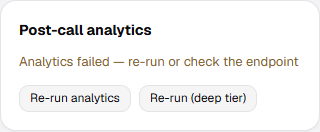
Health
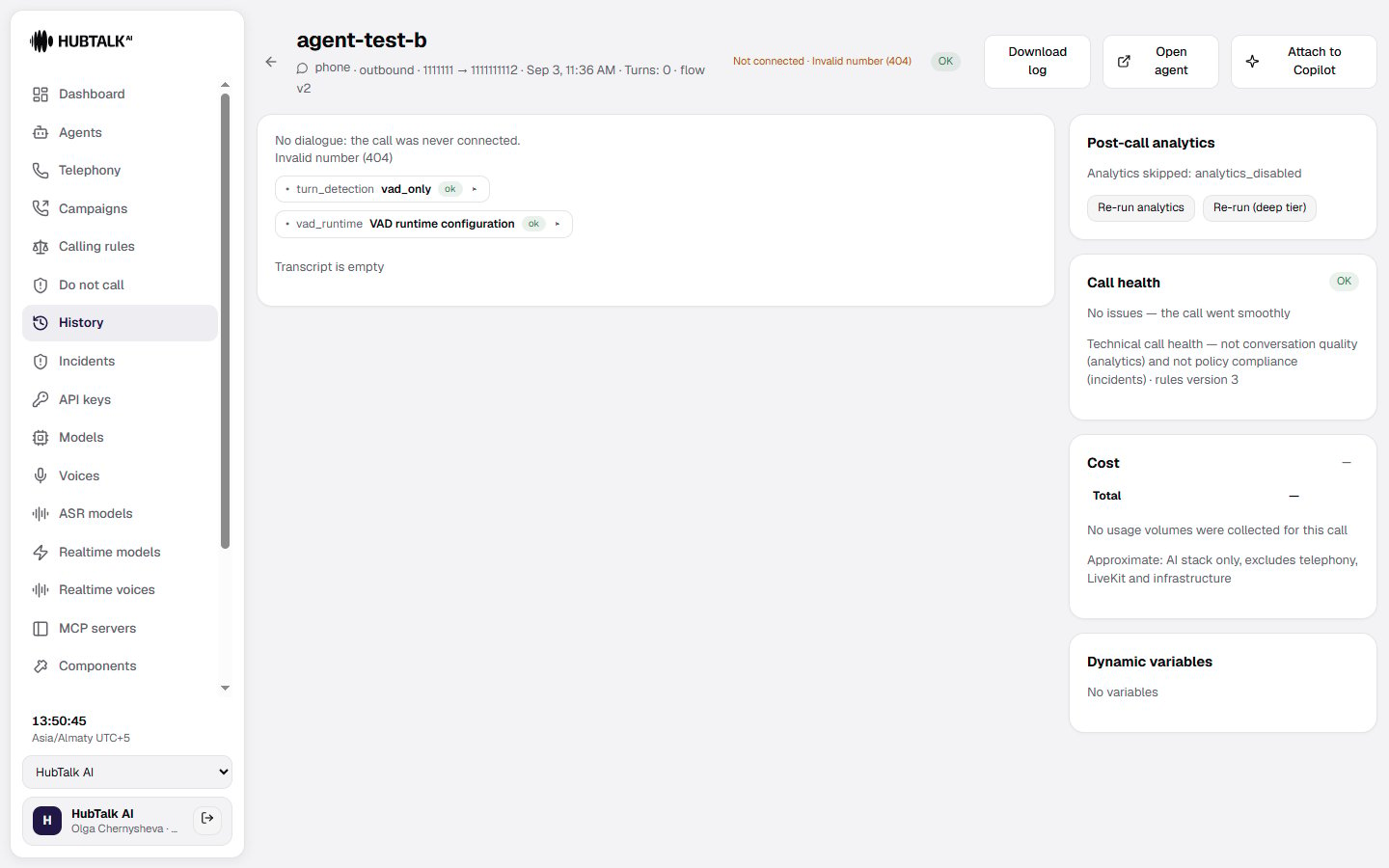
The health badge summarizes whether the call ran into technical problems: ok, warning, or error, with the specific reasons listed (for example a failed transfer, a slow turn, or a speech recognition error). A call that never connected does not spoil health when the reason sits with the subscriber or their operator: no answer, busy, declined, invalid number, flagged as spam. Only a failure of the dialing infrastructure — trunk authorization, an unavailable provider, a routing error — counts as an error; an unfamiliar reason produces a warning rather than silence.The operator code on a failed dial
Next to the reason, a call that never connected shows the numeric code assigned by the telecom operator — for example “Busy (486)”. Operators interpret these codes differently, so the platform does not offer a reading of its own and says plainly to check the meaning with your own operator. The code is in the dashboard, in report exports, in the Web API, and in webhooks — on every row, so analysing a selection needs no manual matching. Worth knowing separately: the reason “declined by subscriber” in most cases actually means “busy”, and the platform now tells the two apart. Historical calls have no code — it cannot be reconstructed. Health is about the technical execution of the call — it’s separate from conversation quality (sentiment and success, covered by analytics), and rule violations (covered by incidents). Use the Any health filter on the History page to find calls with problems.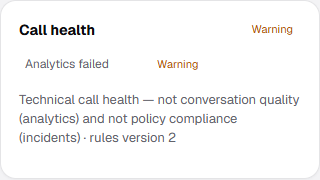
A cancelled dial
A dial stopped before it connected — by the button in the cabinet or by aPOST /v1/calls/{id}/end request through the Web API — gets its own reason, cancelled by operator, in the “not connected” bucket.
What follows from that:
- a cancellation does not spend a contact attempt, nor the per-number frequency cap: you stopped the dial yourself, and the platform does not count that as an attempt to reach someone;
- a cancellation does not spoil the call’s technical health — it is a human decision, not a platform failure;
- a cancellation by the agent’s own function before dialing and a cancellation commanded from outside are different reasons: in incident analysis and in campaign reporting these are different events.
Recording
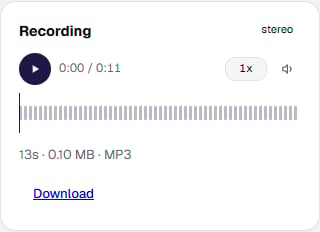
If the call was recorded, the recording card shows a player with play/pause, adjustable playback speed, mute, and a scrubber you can click or drag along the waveform, plus the recording’s duration, size, and format and a Download button. While the recording is still being finalized the card shows a processing indicator; if it failed or was deleted after its retention period, the card shows that instead. A separate case is a too short call: the subscriber hung up immediately, there was nothing to save, and that is not a recording failure. The duration on the recording card is the authoritative one stored by the platform; the browser’s own estimate is only a fallback, which is why the figure in the session header and the audio length in the player agree.The start of the conversation reaches the recording in full. On an inbound call that is the caller’s first utterance; on an outbound one the recording begins when the caller picks up, so the ringing does not enter the file.If some audio is lost anyway, silence takes its place in the recording and the card marks the gap, so it is clear that the audio is shorter than the conversation rather than that the caller stayed quiet. The threshold is deliberately conservative: noticeable losses, roughly from a second up, are marked.
Webhook deliveries
The webhook deliveries card lists every webhook notification sent for this call: the event, its delivery status (delivered, pending, or dead), the number of attempts, the response code, and the attempt history. Use the retry button to manually resend a delivery.Actions
- Open agent — jump to the agent that handled the call.
- Attach to Copilot — add the call, together with its summary, sentiment, and extracted fields, to the agent’s Copilot assistant as context.
- Download log — export the full call record as a JSON file, including the transcript, events, variables, analytics, and the flow configuration that was active at the time. This file can contain personal data, so treat it accordingly.