

Agent settings
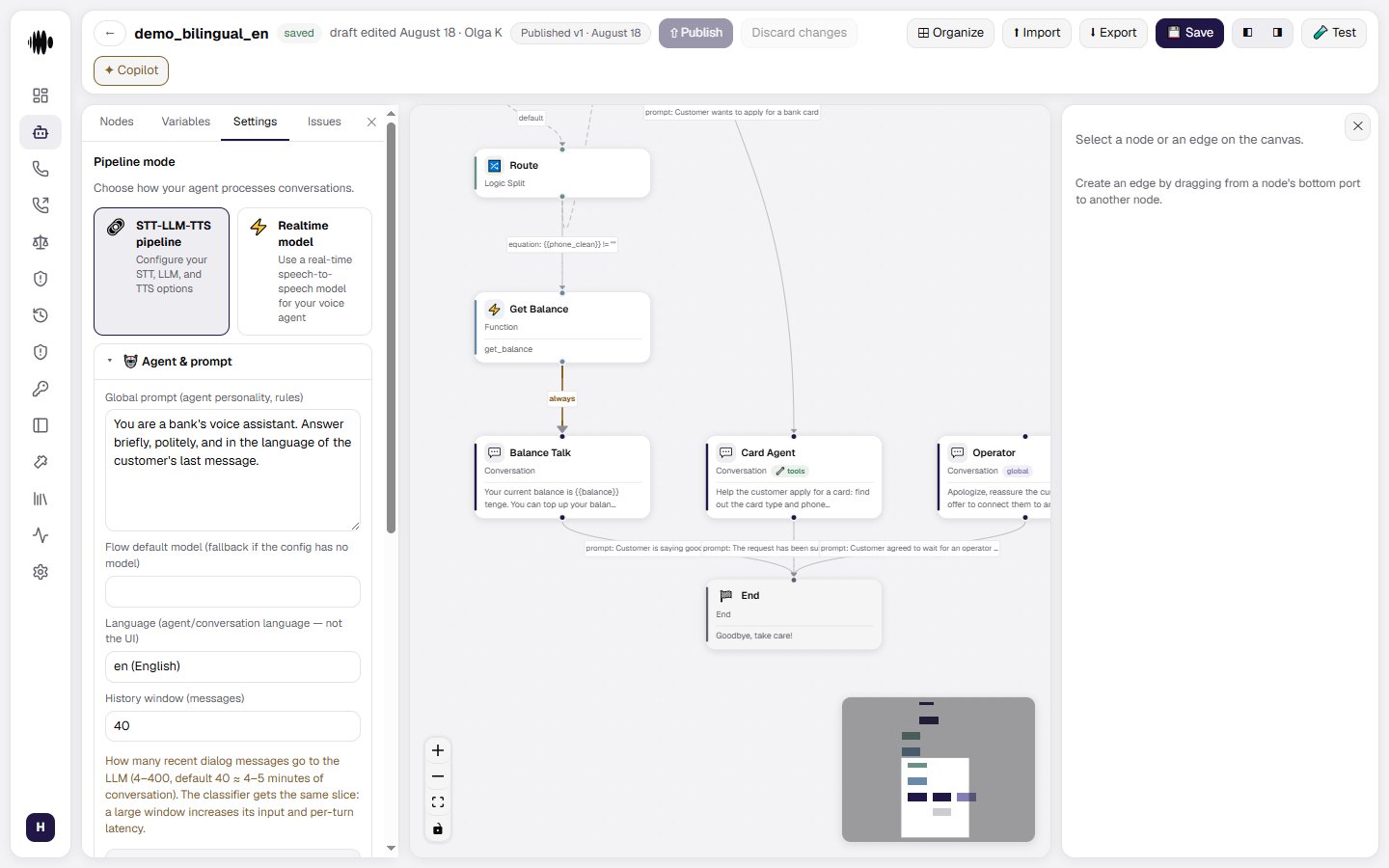
Agent settings are available in the Settings tab of the agent builder. Open an agent, select Settings, and configure the options that control conversation handling, the agent’s speech, knowledge base usage, and call control. There are a lot of them, so they are split across separate pages — listed below. Only what has to be decided first stays here.Pipeline mode
Choose how the agent processes conversations:- STT-LLM-TTS pipeline — configure separate speech-to-text, language model, and text-to-speech options.
- Realtime model — use a real-time speech-to-speech model for the voice agent.
Where each setting lives
Prompt, models and knowledge
The global prompt and variable substitution in authored text, execution and classifier models, service tier, cache warm-up, knowledge bases, flex mode.
Voice: STT, TTS and VAD
Speech recognition and synthesis, speech detection and interruptions, background audio, turn language detection, the pre-TTS normalizer.
Phrase corrections and pauses
The organization’s replacement dictionary and
[pause N] markup: how the agent sounds when it reads numbers and amounts.Recording and call control
Call recording and its retention, the duration cap, silence reminders, the transfer failure message.
Conversation goals
What has to be established in a conversation, how the platform marks it done, and what the mechanism deliberately does not do.
Analytics, observers and webhooks
Post-call analysis and custom fields, observers with their reactions, post-call webhooks.