

Call recording and notifications to your CRM
Module goal: turn on recording with a retention period and hand the call results to an external system.
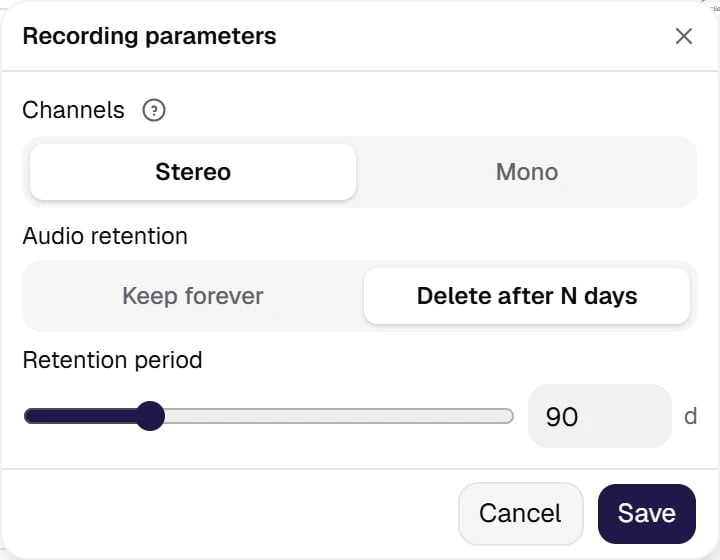
Call recording: stereo (agent and customer in separate channels) or mono; retention is forever or a number of days. Stereo makes reviewing disputed calls much easier.
Show the full panel
Show the full panel
- Channels — Stereo (agent and customer in separate channels) or Mono (a single mixed channel).
- Audio retention — Keep forever or Delete after N days, with a period of 1 day or more. This is your answer to the question “how long do we keep the customer’s voice”.
Advice: tell the caller about the recording. Call recording is regulated by law, and the rules depend on the country — and in the USA, on the state as well: some states require the consent of one party to the conversation, others the consent of all parties. The platform does not warn the caller by itself — that is your organization’s responsibility. A reliable way is to mention the recording in the agent’s first reply and check the wording with your lawyer.
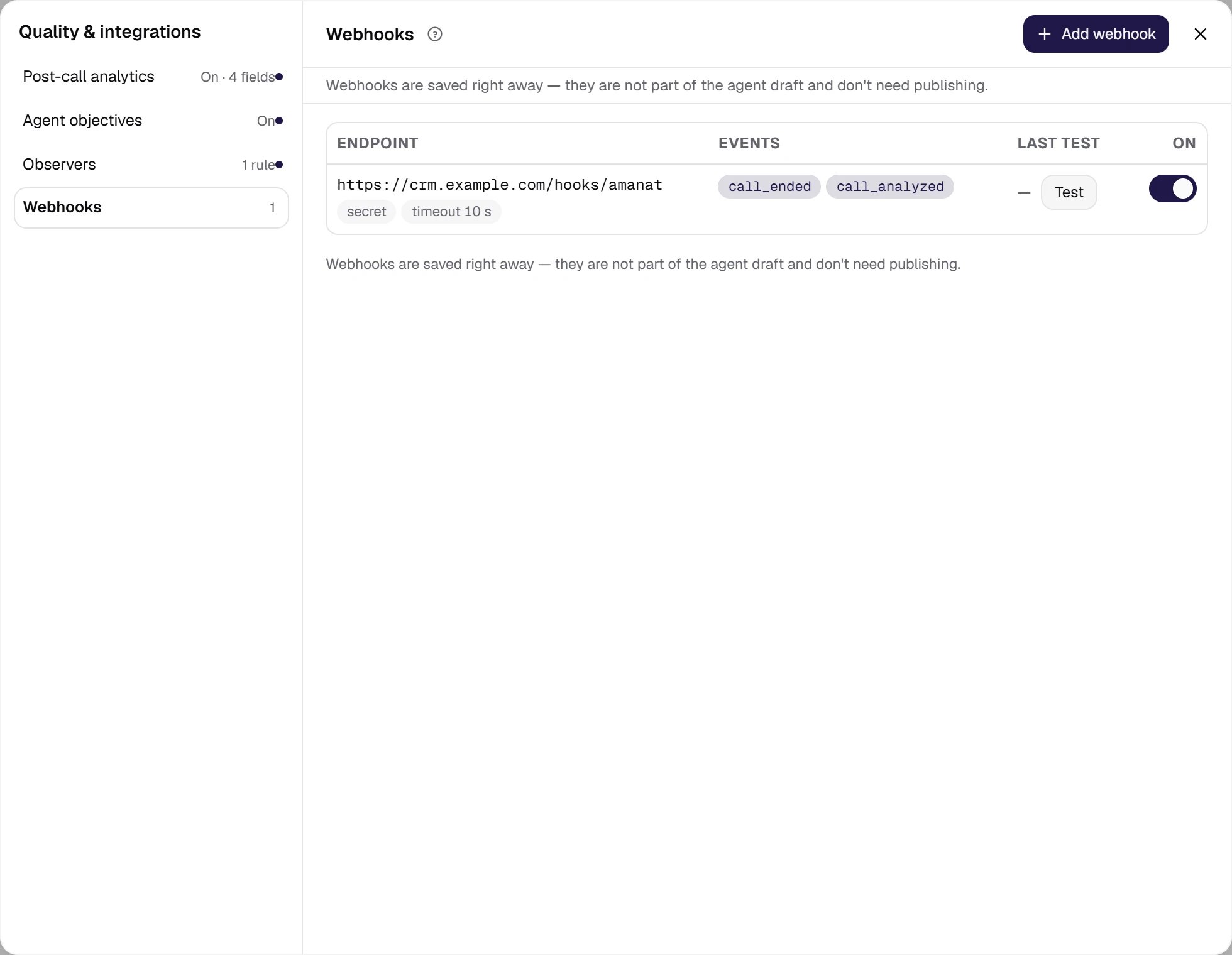
Post-call notifications: the address, the set of events and the Test button. The address settings have a separate Send test-session events switch — off by default, so tests don't clutter your CRM.
Show the full panel
Show the full panel
call_ended— the call is over: status, reason, duration, transcript, variables.call_analyzed— post-call analytics is ready: summary, sentiment, custom fields, the success flag, plus the full call data and the finished recording. The event also arrives when the analytics was skipped or failed — the reason is given in the event itself.
Variables arrive on an unanswered call too. A call that did not connect produces a webhook with
dynamic_variables — the values passed for the contact. An empty dictionary is not a sign of an unanswered call: tell the outcome by call_status.PracticeGo through all the settings sections of your agent and fill them in as shown: the prompt, two models, a voice with a fallback, timers, AMD, recording, a webhook. Then click Save — and move on to conversation quality.